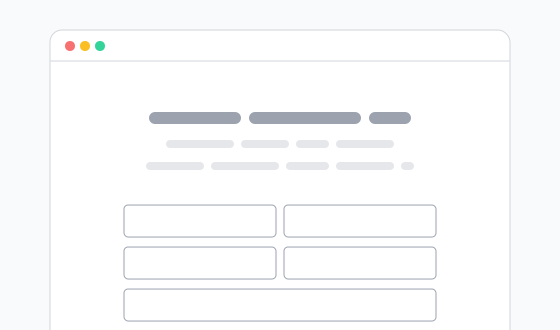
Prize draw entry
Basic entry form with age gate, data capture and proof of purchase upload.

All of our form templates are available for download in PSD format here. You are free to use these designs as a starting point for designing your own ProMotor websites.
Please adapt them as required: add your own colours, fonts, images and copy as you see fit. Our components are flexible enough to accommodate virtually any design and data capture requirements that you may have. Take a look at the showcase to get an idea of the possibilities!
Basic entry form with age gate, data capture and proof of purchase upload.
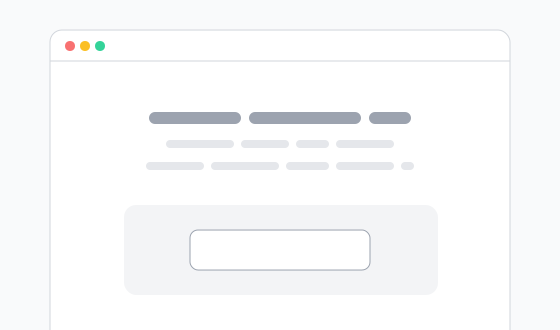
Code entry box, data capture, and address form on win page for winners to claim prize.
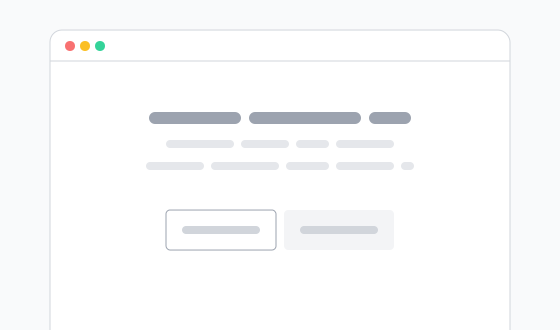
Location select followed by form with skill test question for entrants in ROI.
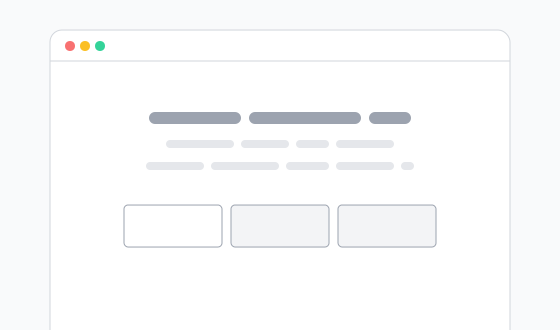
Multi-step form with proof of purchase upload and image review screen.
Please ensure you follow these guidelines while you design your ProMotor website.
The templates offered for download here are for the exclusive use of our clients, and for the sole purpose of designing websites to supply to us to build into websites powered by the ProMotor platform.
You must not distribute them or use them as the basis for any designs which will not be built by us.
The templates use the Inter font family. We’ve used it in our demos as it has a neutral appearance and is free to download. You can of course swap this out for one or more fonts of your choosing.
Please ensure that your chosen fonts are licensed for web use. If your chosen fonts are freely available for commercial use, or in the Adobe Fonts library, then we can use them at no extra cost to you.
There are plenty of high-quality free fonts available on Google Fonts, Font Squirrel and Fontsource.
Please note if you already hold a commercial licence for any of the fonts you use, these licences are not transferable to us and will incur an additional licence fee in order for us to use them on your site.
If you’re unsure whether your font choices are suitable, please contact us for confirmation.
The desktop header should be 1440 pixels wide. The desktop header should remain legible when its width is scaled down to 1024 pixels (70% zoom). At browser widths of less than 1024 pixels, the mobile header will be visible instead.
The mobile header needs to work on small mobile screens and on larger devices. Design your mobile header with a canvas width of 1024 pixels, with a central 720 pixel wide safe area. Keep all essential content inside the safe area, as anything outside it will be clipped at screen widths between 720 and 1024 pixels. Additionally, the safe area should remain legible when its width is scaled down to 320 pixels (45% zoom).